
CL Streets Mobile Controls Guide
Competitive touch-screen play in CL Streets Roblox for phones and tablets.
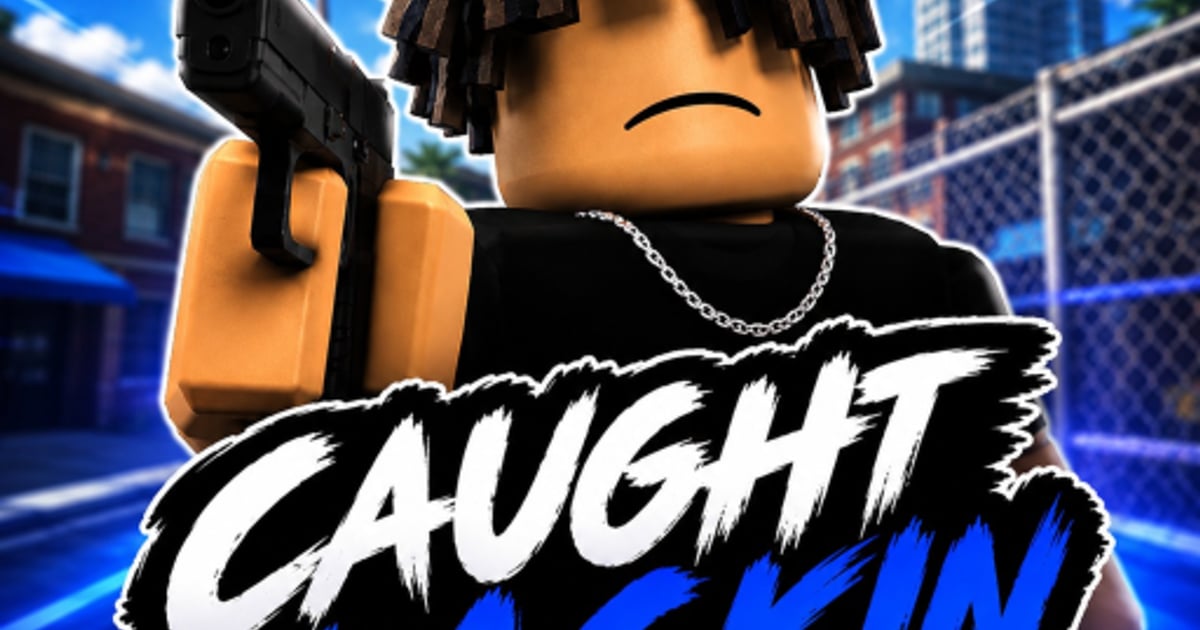
CL Streets officially supports mobile on-screen controls, so phone and tablet players are not second-class testers. Bytecast’s Roblox description confirms touch input alongside PC bindings (WASD, M1, M2/Q). The challenge is not access — it is competing against mouse aim in a headshot-focused FFA shooter. This mobile guide covers layout, sensitivity, fight ranges, and habits that pair with our controls reference and combat PvP guide.
Default mobile layout
While UI positions can shift between test updates, expect a standard Roblox shooter layout:
- Left thumb — virtual joystick for movement
- Right thumb — camera drag and fire button
- Additional buttons — aim/ADS, jump, and sometimes crouch or slide
Before fighting, open Roblox mobile settings and:
- Resize buttons so jump and fire never overlap.
- Enable Shift Lock if available for cleaner strafing.
- Set graphics to a stable FPS tier — frame drops lose gunfights.
Sensitivity and aim training
Mobile aim lives or dies by sensitivity:
- Too high — overshoot headshots, especially with ADS
- Too low — lose tracking on spin and slide users
Start medium-low, then raise sensitivity until 180° turns feel possible without missing head level. Practice on a quiet street for five minutes daily — same discipline as PC aim trainers listed in the game’s tags.
Use ADS buttons for mid-range fights where spread reduction matters. Hip-fire only inside close quarters where target size compensates for inaccuracy.
Range discipline: how mobile wins
Mobile excels when fights happen inside 15 meters:
- Strafe unpredictably while hip-firing
- Slide or jump entries to mess with PC crosshair placement
- Disengage when opponents hold long sightlines you cannot ADS quickly enough
Force close fights by cutting through alleys and buildings instead of wide boulevards. Map knowledge from getting started helps mobile players choose favorable terrain.
Fighting PC players fairly
PC users have finer micro-adjustments. Counter with:
- Peek shooting — expose for one burst, return to cover
- Audio awareness — headphones reveal sprinting third parties
- Team-up denial — leave fights when kill feed shows multiple names converging
Never stand still while reloading or healing. Mobile players who plant feet become easy headshot targets.
Battery, heat, and performance
Long CL Streets sessions drain phones quickly. Reduce brightness slightly, close background apps, and use Wi-Fi instead of unstable LTE to prevent ping spikes mid-duel. Lag deaths feel like aim issues but are actually hardware — fix infrastructure before tweaking sensitivity again.
Tablet advantages
Tablets offer wider touch targets and more screen space for enemy tracking. If you own a tablet, use it for serious grinding sessions tied to earn cash goals. Phones remain viable for quick tests after updates.
Mobile and codes or economy
When promo codes arrive, redemption steps will mirror PC — open the HUD menu, paste codes carefully, confirm rewards. Track code news on the codes hub without leaving mobile sessions.
Avoid mobile script scams
Mobile users see aggressive ads for “mod menus.” These violate Roblox ToS and Bytecast anti-cheat policy. Read the scripts hub for why legitimate progression beats shortcuts that end in bans.
Recommended mobile warm-up
- Two minutes movement-only — slides and jumps
- Three minutes target tracking on static objects
- Five minutes low-stakes duels away from spawn
- Review tier list for mobile-friendly weapons
Related guides
- Controls — full PC binding reference for cross-platform understanding
- Combat PvP — fight logic that applies on any device
- Review — decide if mobile-only play fits the current test build
Frequently Asked Questions
Quick answers to the most common questions.
Can you play CL Streets on mobile?
Yes. Bytecast supports on-screen mobile controls on Roblox.
Can mobile players compete with PC?
Yes, by forcing close-range fights, tuning sensitivity, and using cover peeks.
What is the best mobile sensitivity?
Start medium-low and increase until head tracking feels smooth without overshooting.
Do mobile players earn the same cash?
Kill rewards use the same systems; efficiency depends on win rate, not platform.
Should mobile users enable Shift Lock?
When available, Shift Lock usually improves strafe consistency in Roblox shooters.